
On this page
- Will a Paid WordPress Plugin Work After Its License Expires?
- What Keeps Working on Your Website After Expiration?
- Record What Your Plugin Does Before the License Expires
- How to Check What Happens When Your Plugin License Expires
- Check the Actual License Terms Before Buying a WPSani Plugin
- Official sources
Will a Paid WordPress Plugin Work After Its License Expires?
A paid WordPress plugin may keep working after its license expires, but that depends on the developer’s terms. Your installed version might continue serving visitors while updates and support stop. Other products also restrict editing tools, premium features, or services that run on the developer’s servers.
The important question is not simply whether the plugin stays active. It is whether the functions your business needs remain available. A contact form displaying on a page is not proof that submissions, notifications, editing, and payment processing all work under the same conditions.
License expiration is not uninstallation. However, leaving the plugin installed does not guarantee continued access to everything you bought. Before purchasing or deciding against renewal, check the policy for that specific product and plan.
Also distinguish canceling automatic renewal from reaching the expiration date. Check the paid-through date in your account rather than assuming that canceling the next payment ends access immediately.
What Keeps Working on Your Website After Expiration?
Separate visitor-facing functions from the tools you use to manage them. Existing content may remain visible even when you can no longer add premium elements, download templates, or use certain editing features.
For example, Yoast’s expiration policy says installed premium plugins remain usable, but updates, downloads, and premium support require renewal. Some functionality, including its AI features, also needs an active subscription. That is why “you only lose updates” is not a reliable rule for every plugin.
Likewise, Elementor’s official FAQ distinguishes existing projects remaining intact from access to Pro widgets, templates, lead-submission downloads, and updates. A website staying online is a narrower promise than every premium capability remaining available.
- Connected services deserve particular attention. A plugin can run code inside WordPress while depending on an external service for another task. The installed files alone cannot guarantee continued access to that service.
- Check download and reinstallation rights too. Keeping an installed copy is different from being able to download it again after a hosting move or failed deployment. Do not assume an expired account includes access to installation files.
Understand what your click tracking actually measures
For the tracking side of your website, these guides explain WhatsApp clicks and how to interpret them.
Read more WhatsApp tracking guides
Record What Your Plugin Does Before the License Expires
Keep a license reference with the product name, plan, expiration date, and the developer’s explanation of what happens afterward. Save the relevant terms or support response with a date. This gives you something more useful than a vague recollection that the plugin “keeps working.”
Record a working baseline as well. For a form, that means a successful submission and notification. For click tracking, it means checking the information captured when someone uses a contact button.
- Track WhatsApp clicks. For example, if that is your immediate need, consider the free WhatsLink Click Tracker. Treat that record separately from any paid advertising integration: seeing a click locally does not prove an external platform received it.
- Use a specific test for renewal decisions. Instead of checking only whether a button appears, check whether the result you rely on still reaches its destination.
Start with a record of your WhatsApp clicks
Track WhatsApp clicks with the free plugin.
Track WhatsApp clicks free with WhatsLink
How to Check What Happens When Your Plugin License Expires
Start with the developer’s current product terms, renewal documentation, and account information. Look for explicit answers about existing functionality, editing, updates, support, downloads, and external services. If the wording only says the plugin “continues working,” ask what that includes.
Ask about renewal conditions separately: the price, billing period, automatic renewal, and any requirements for restoring access after a lapse. Do not assume a discount, grace period, or lifetime entitlement unless it is stated.
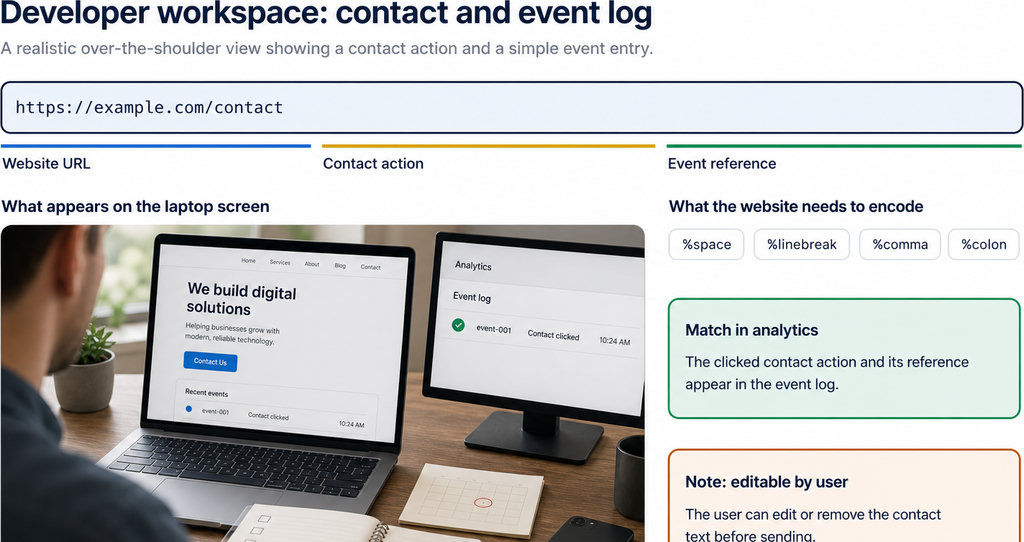
- Take a restorable backup before changing the installation. Test on staging where possible, but do not assume removing a license key reproduces expiration; those can be different states. If staging activation is involved, read how the same WordPress plugin license applies to staging and production before activating another copy.
- Check the complete workflow, including any external destination. For tracking, confirm both the local record and the expected event in the relevant platform.
- Consider maintenance risk. A plugin working today may become incompatible with later WordPress, PHP, theme, or plugin changes. WordPress’s security guidance recommends keeping software updated. Freezing your entire website indefinitely is not a sound substitute for renewing or replacing an essential plugin.
Check the Actual License Terms Before Buying a WPSani Plugin
- Use the terms for the specific plugin and plan for a WPSani purchase. Do not apply another developer’s policy to our products, and do not infer expiration behavior from a feature list.
- Establish what remains available after expiration and what requires an active license before paying. If the product information does not settle your intended use, ask for clarification before checkout. That matters especially when a client depends on an integration rather than just the visible website feature.
- Make delivery to each platform part of your acceptance test for advertising workflows. A click recorded in WordPress and a conversion received by an advertising platform are different results.
- Budget for ongoing maintenance where the workflow you need depends on paid updates or services. Choose according to that workflow. The purchase decision should rest on documented terms, not a universal promise that paid plugins either stop completely or work forever.
Need click data beyond WordPress?
Send WhatsApp clicks to your ads and your team with WhatsLink PRO. Check the product’s current license conditions before purchasing.
Send WhatsApp clicks to your ads and your team with WhatsLink PRO
What WhatsLink records for each click
- The page and post type where the click happened
- The WhatsApp, Telegram or phone link clicked, with its pre-filled text
- UTM source, medium and campaign of that page
- The referrer and the date and time
- No IP address, location or device